
Home Office
Desk Organization Ideas for a Small Desk: 5 Things That Earn Their Space
This post contains affiliate links. As an Amazon Associate we earn from qualifying purchases, at no extra cost to you.
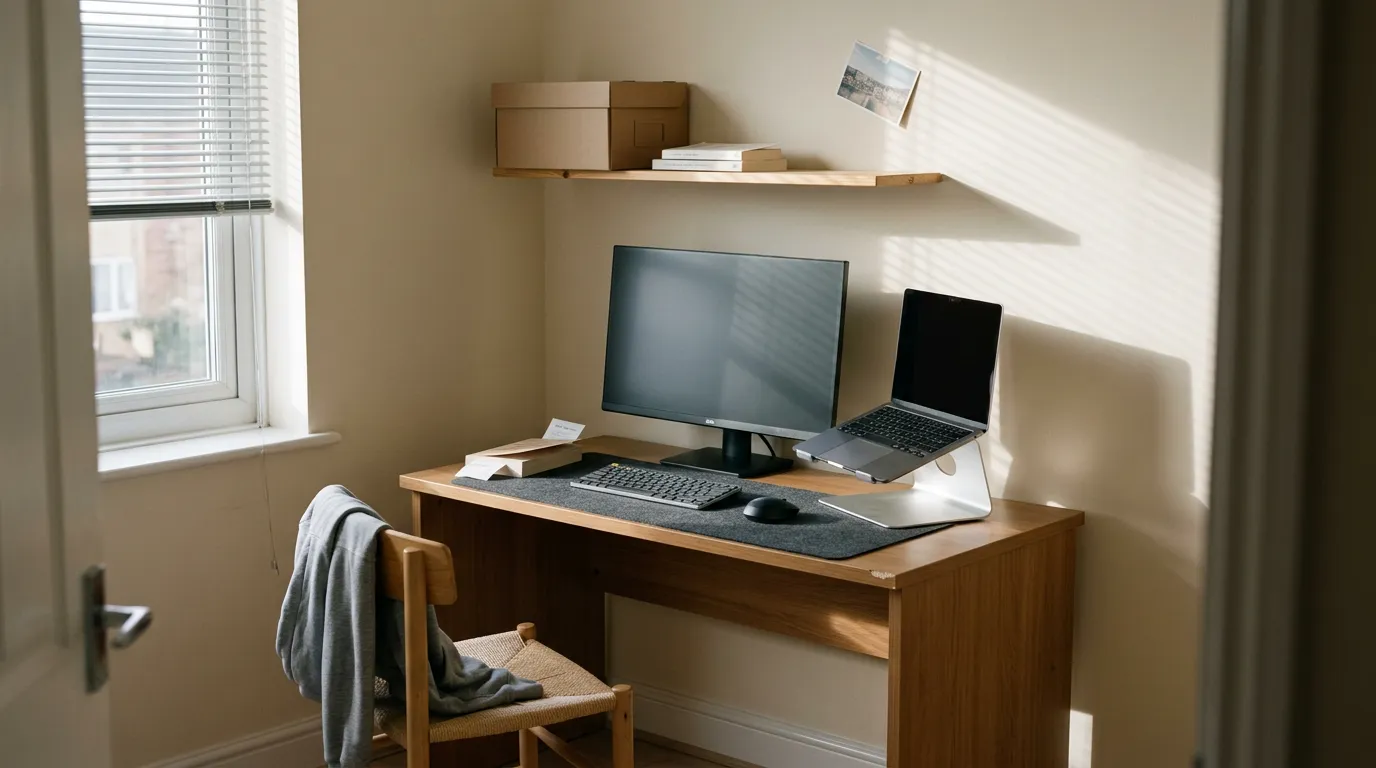
Most desk organization ideas are easy to over-buy from and weirdly hard to get right, because the lists are written for a desk twice the size of yours. A standard dorm desk is about 40 inches wide. The one that fits in an apartment corner isn't much bigger. Put down a laptop and an open notebook and you've already spent the surface.
How do you organize a small desk? Only two kinds of things deserve a spot: things that lift your screen up off the surface, and things that move clutter off the surface entirely. Anything that just sits there flat is charging you rent in the one thing you're short on.
So this isn't thirty desk accessories. It's five jobs, in the order they actually matter, with the piece that does each one without taking back more room than it gives. Some of it is desk setup ideas you can steal in an afternoon. Some of it you'll install once and never think about again.
What do you actually need on a small desk?
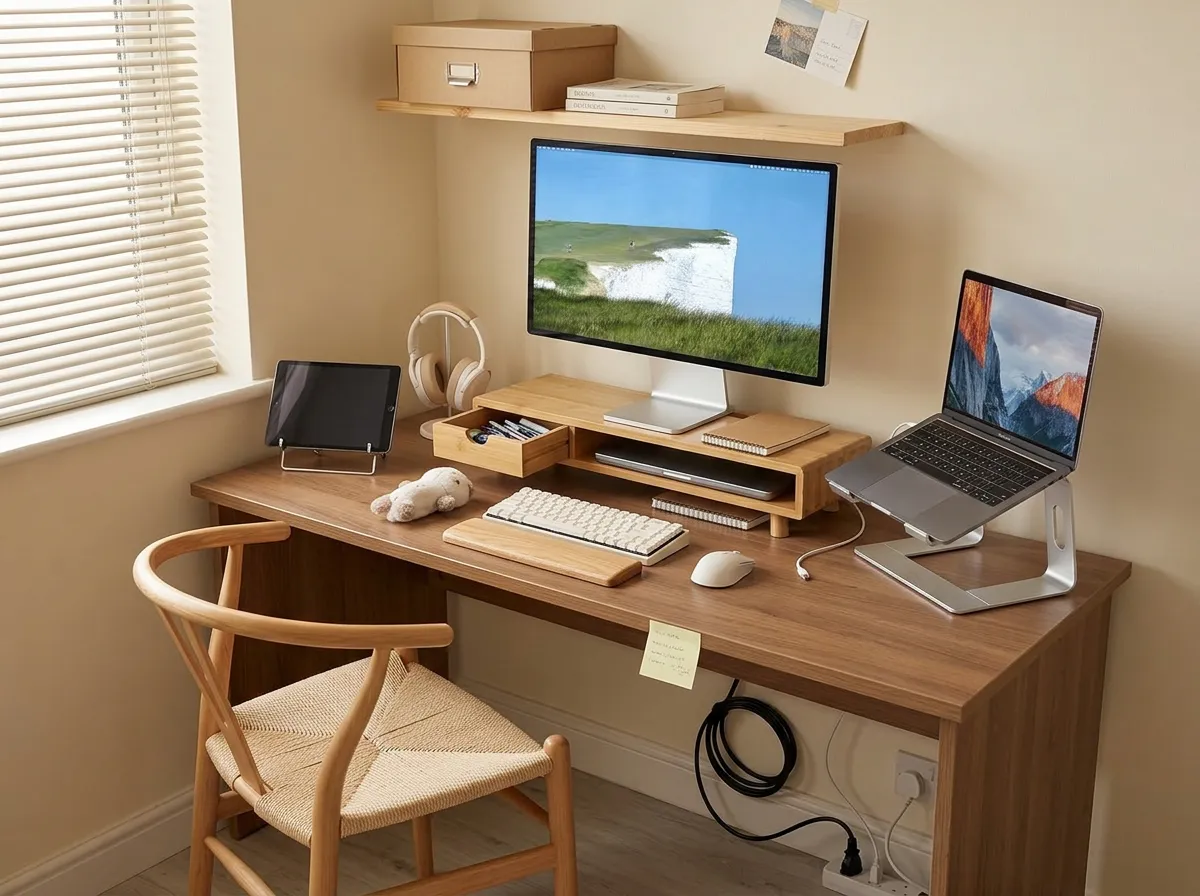
Five things, and none of them are decor. A screen at eye level, one light that isn't sitting on the desk, one calm surface to work on, cable control under the desk, and one drawer that lives somewhere other than your desktop.
Get those and the desk stops feeling cramped, even though it's the same desk.
- Height first. Whatever your screen is, it's too low. Raising it is the one change you feel in your neck by day three
- Light second. Dorm and rental overheads are harsh and badly placed, and a normal lamp eats a quarter of your desk
- Then surface, cables, storage. These are the ones that make a small desk look deliberate
Go vertical before you go wider. You can't buy more desk, but you can buy back the six inches under your screen. A riser with a drawer does both jobs at once: the monitor comes up, and the notebook, pens, and charging brick go under it instead of beside it.
Bamboo over acrylic. A warm wood tone reads like furniture, and acrylic reads like an office supply catalog.
If you work laptop-only, buy the stand, not the riser. They look like the same idea and they aren't. A riser lifts a monitor and gives you a shelf.
A stand tilts the laptop toward you and frees the space underneath for a keyboard, which is the whole reason to bother. Buying both is the classic small-desk mistake: two things doing one job and no room for your elbows.
How do you light a desk with no room for a lamp?
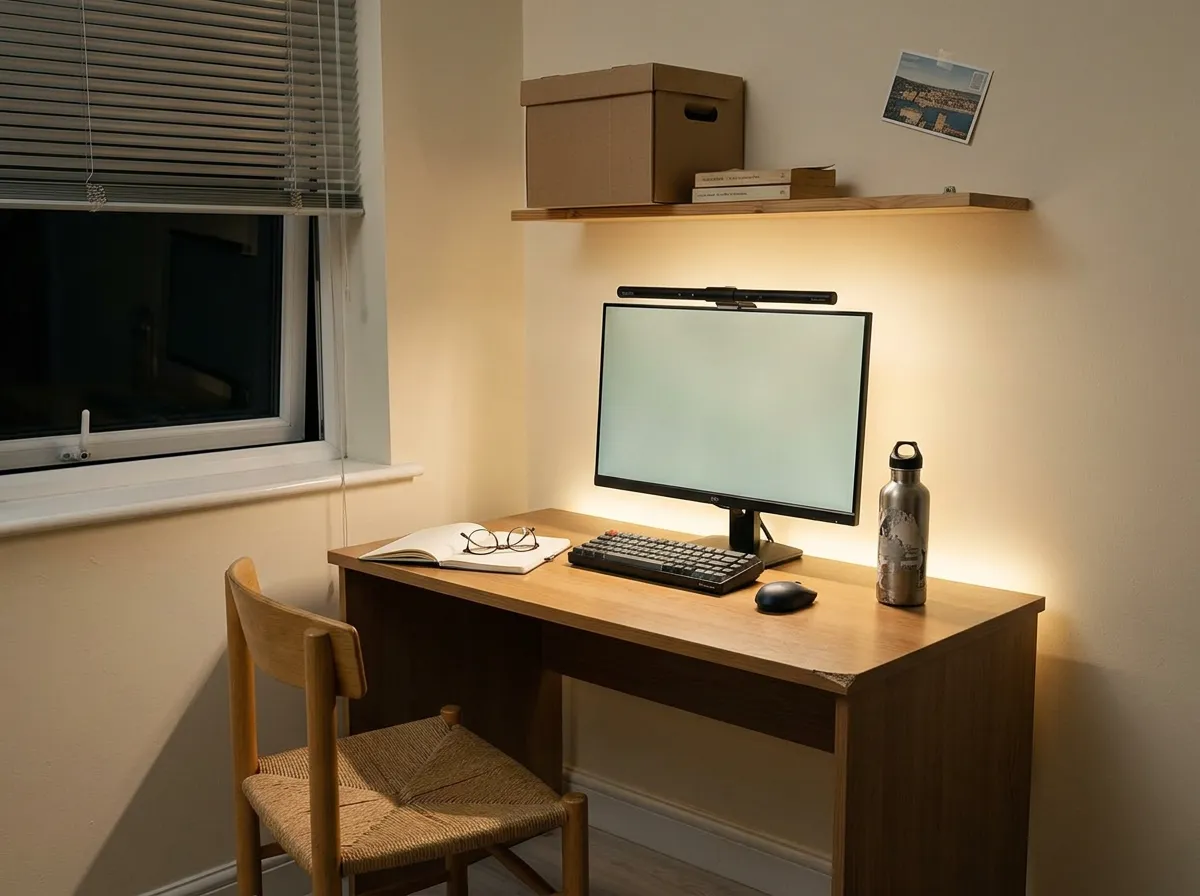
You hang the light instead of standing it up. A monitor light bar clips over the top edge of your screen and throws light down onto the desk, not into your eyes and not onto the display.
Footprint on the desk: zero. That's the entire pitch, and on a 40-inch desk it's a very good pitch.
The other reason to like them is glare. A desk lamp beside a screen puts a bright patch on the glass and you squint at it all evening without noticing. A bar sits above the screen and aims away from it, so the page is lit and the display isn't.
- Warm setting for evening. Around 3000K reads like lamplight. Anything cooler and the corner feels like a computer lab at 10 PM
- Dimmable matters more than max brightness. You want it low enough to work next to a dark window
- USB-powered is the renter version. No outlet gymnastics, no adapter block hogging the strip
Then add one hidden strip, not string lights. A warm COB LED strip behind the monitor or under a shelf bounces a soft wash onto the wall. That's what makes a desk corner feel like part of the room at night.
With the overheads off, it stops reading as a workstation. Dotless is worth looking for: the older strips show a line of visible dots on the wall and it looks cheap.
Fairy lights draped across a desk are the fastest way to make the whole setup look like it was assembled in 2016.
Is a desk mat worth it on a small desk?
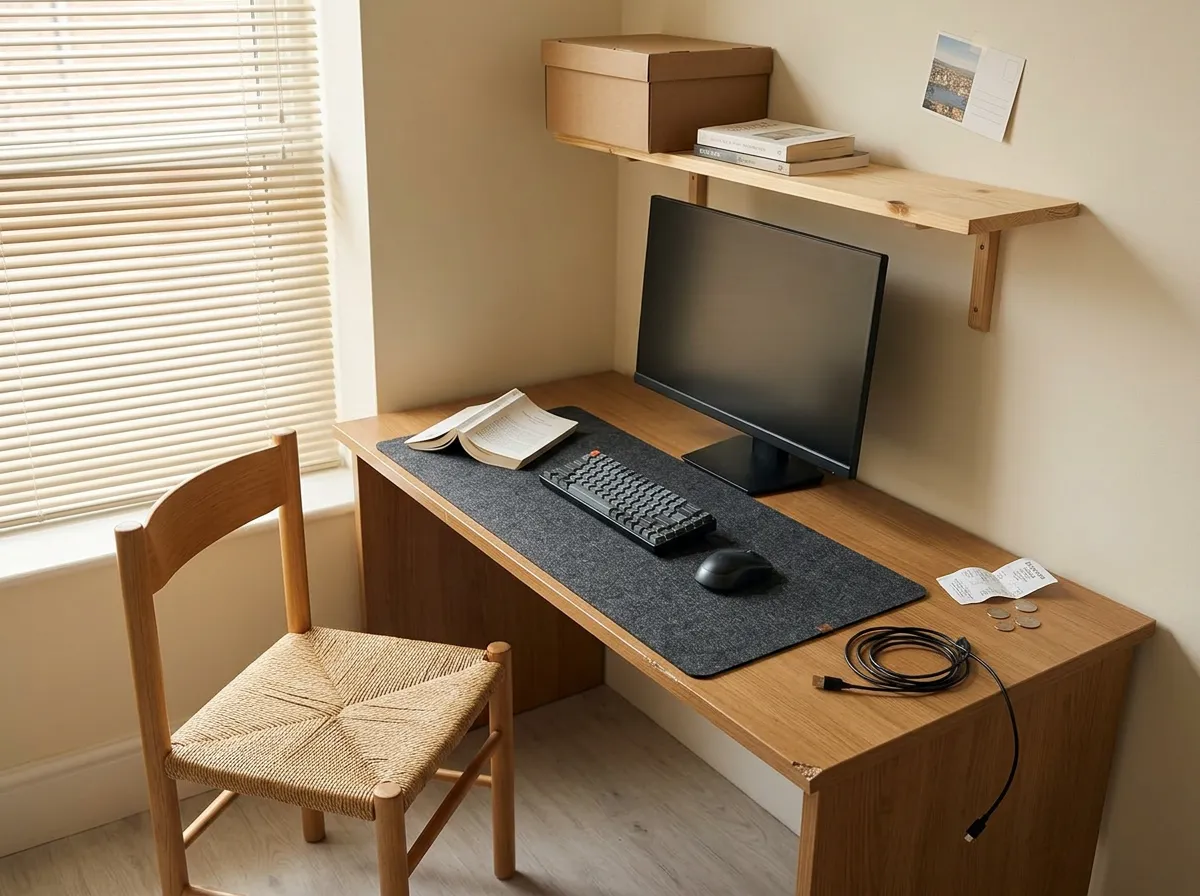
On a small desk it's worth more, not less. A mat draws one clean rectangle around the work zone, and everything outside that rectangle reads as put away. It's the cheapest way to make a busy desk photograph and feel calm, and it takes ten seconds.
It also quiets things down. Felt takes the hard click out of a keyboard and the scrape out of a mug, which matters a lot when your desk is four feet from where your roommate sleeps.
Buy felt, skip the leather-look PU. The faux-leather ones look sharp for about a semester, then the coating starts peeling at the corner where your wrist rests. Felt just gets softer.
- Measure your desk width first, then go as wide as fits with a couple of inches to spare
- Too big is worse than slightly small. A mat that has to curl up the wall will annoy you daily
- Charcoal or a mid grey hides the crumbs a pale felt starts showing by week two
One thing to know: felt drinks a spill. It won't bead it up for you. If you're a two-coffees-at-the-desk person, keep the mug on a coaster on the riser shelf, not on the mat.
Our picks
Similar finds on Amazon
How do you hide desk cables without drilling?
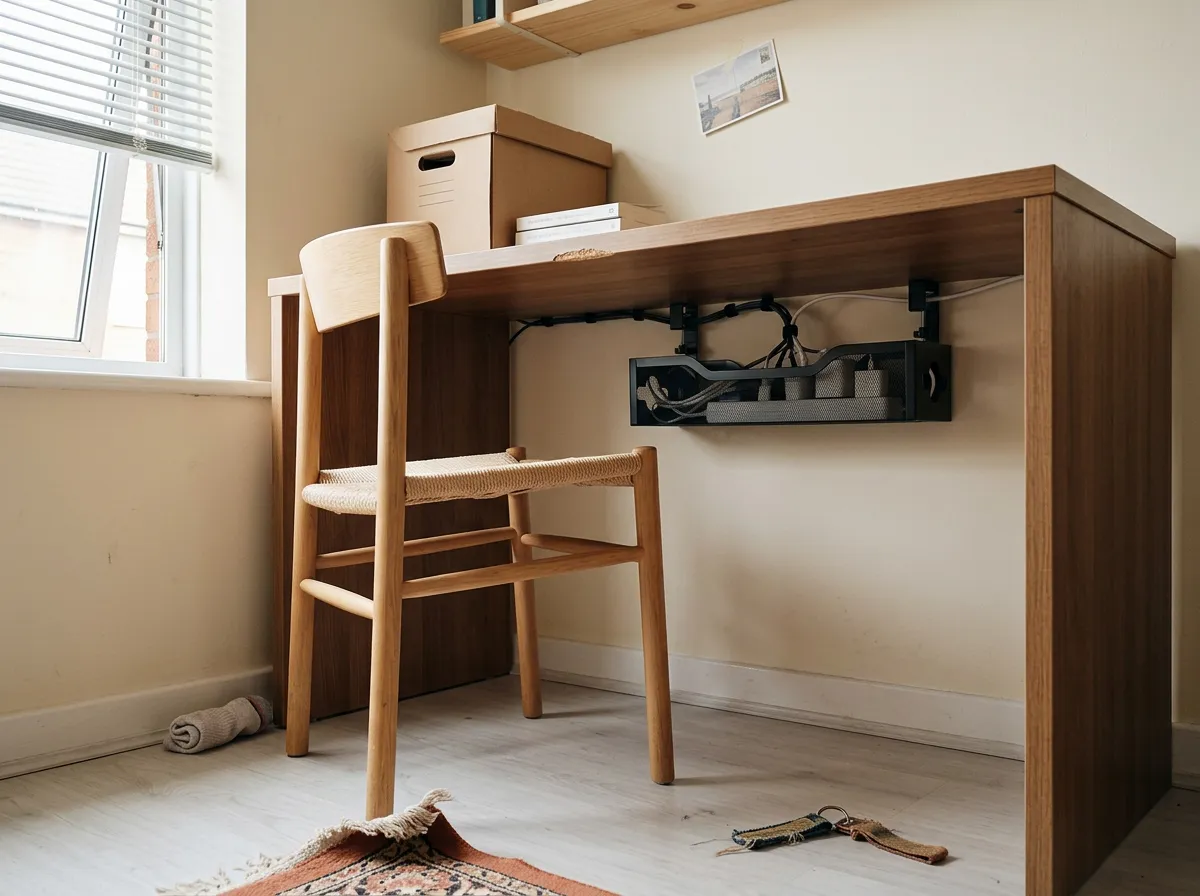
Clamp a tray under the desk and put the power strip inside it. No screws, no holes, nothing your landlord or your RA can object to.
The tray grips the desktop edge with a padded clamp, the strip and the charging bricks go up into it, and the cable spaghetti disappears from the floor in about fifteen minutes.
This is the item people skip and then quietly regret. Loose cords under a desk collect dust, tangle around chair wheels, and make a tidy desktop look messy from the one angle you can't control: eye level from the doorway.
- Unplug everything and pull the power strip out from wherever it's hiding
- Clamp the tray to the underside near the back, on the side closest to your outlet
- Drop the strip in, then coil each cable and hold it with a velcro tie before you plug it back in
- Leave one empty slot. You'll add a device by October, you always do
Check your desk edge before you buy. Clamp trays need a lip they can grab, usually up to about an inch and a half thick. A dorm desk with a thick particleboard top can be right at the limit.
If your desk has a rail or a drawer in the way, the screw-mount version of the same tray is the fallback. That one's off the table in a dorm, though.
Our picks
Similar finds on Amazon
How do you add storage to a desk with no drawers?
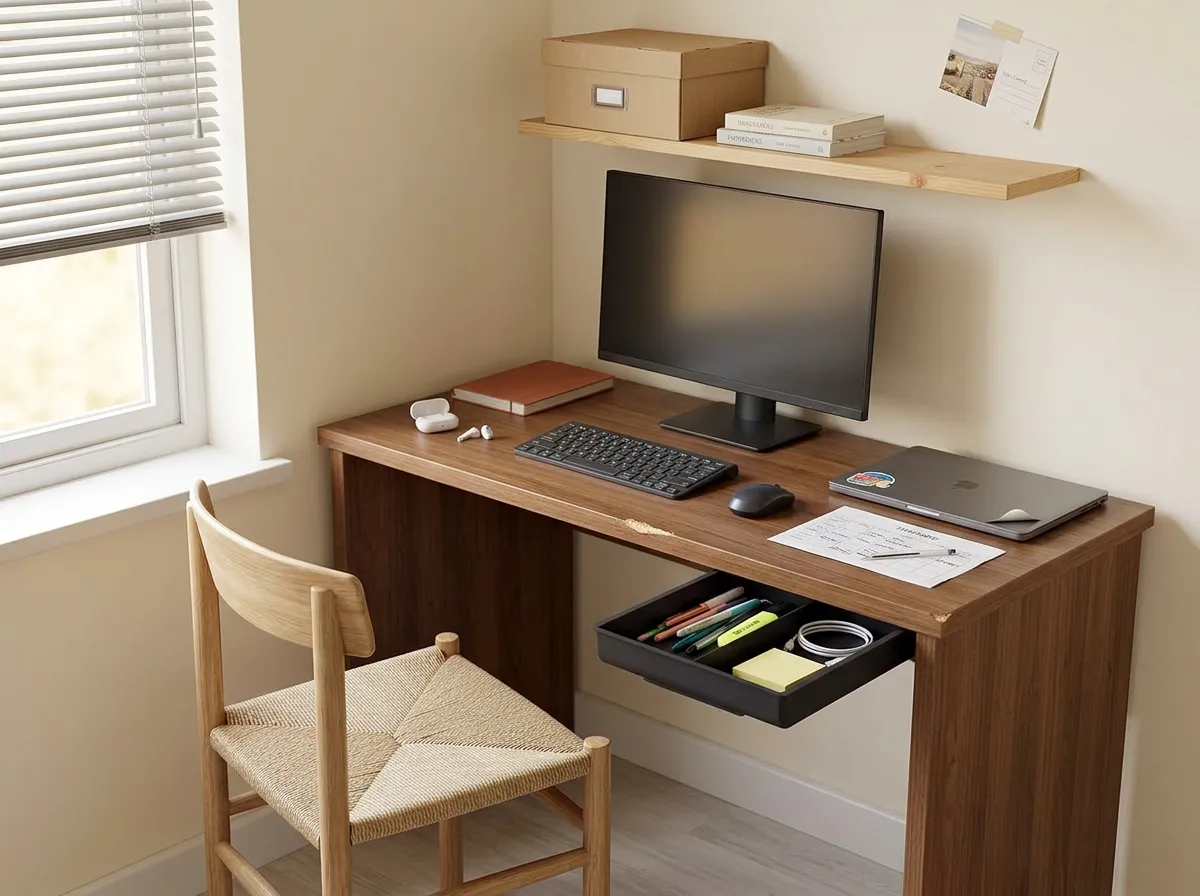
Stick a slide-out drawer to the underside of the desktop. Most dorm and starter desks give you a flat plank and nothing else, so pens, cables, sticky notes, and chargers end up living on the surface by default.
A self-adhesive drawer moves all of it two inches below the desk, where it costs you nothing.
Use it for the small annoying stuff you reach for daily and never want to see: charging cable, spare batteries, lip balm, highlighters, the dongle. Bigger items go in the riser shelf or a bin on the floor.
The adhesive is the whole gamble, so prep the surface. Done properly it holds for years on smooth laminate. Done in a hurry on a dusty desk, it lets go in a week and dumps your pens on your feet.
- Wipe the underside of the desktop with rubbing alcohol and let it dry fully
- Press the adhesive pads for a solid thirty seconds, not a quick shove
- Leave the drawer empty overnight before you load it
Two small drawers beat one big one. Split by category (one for cables, one for stationery) and you stop rummaging. A single wide drawer turns into the junk drawer within a month, which is just clutter you can't see.
Our picks
Similar finds on Amazon
If you only buy one thing this week, make it the riser or the stand. Screen height is the change you notice in your body, and it's the one that frees surface area instead of using it up. The mat and the light are the two that make the corner feel good to sit in, so they're a fine second stop.
The tray and the drawer are the boring ones. They're also the reason a small desk still looks clear in November, when the semester has piled papers on every flat surface you own.